Dokan vs WC Vendors: Which Should You Use in 2026?
If you're starting a multi vendor marketplace on WooCommerce, you'll come across two plugins almost immediately: Dokan and WC Vendors. Both can work, but they suit different types of projects.
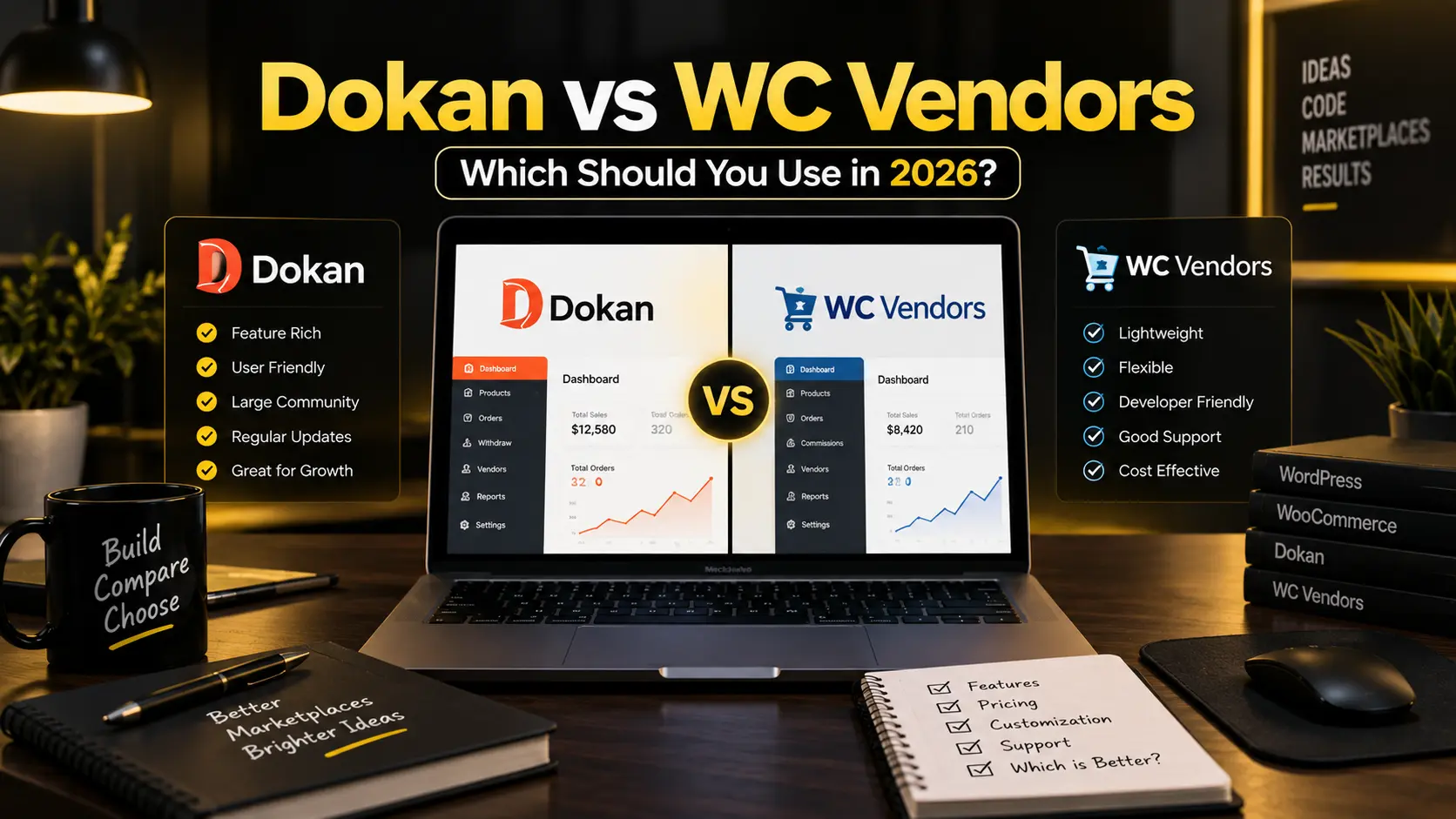
If you’re starting a multi vendor marketplace on WooCommerce, you’ll come across two plugins almost immediately: Dokan and WC Vendors.
Both can work. But they suit different types of projects. Here’s what I’ve found after building marketplaces with both.
The Basic Idea
Both plugins turn WooCommerce into a marketplace where multiple vendors can sell. Vendors get their own dashboard, manage products, and receive their portion of the sale while the marketplace owner keeps a commission.
That’s where the overlap ends.
Dokan
Dokan is the more complete option out of the box. Even the free version has enough to get a basic marketplace running, while the Pro plans add the features most serious projects need.
What you get:
- A front end vendor dashboard, vendors never touch wp admin.
- Per vendor and per product commission settings.
- Vendor specific shipping options.
- Vendor reviews and ratings.
- Stripe Express or automatic vendor payouts depending on setup.
- Subscription plans for vendors.
- Returns and warranty management.
- Vendor analytics.
- Live chat options between vendors and buyers through supported modules.
Dokan is well maintained and works with most major WooCommerce themes and common multilingual setups.
Good fit for: marketplaces that need a complete vendor experience, automated payouts, or vendor subscription plans.
WC Vendors
WC Vendors takes a lighter approach. The free version is limited, but the Pro version covers the basics well. It does not bundle as many marketplace modules into one ecosystem, so it stays leaner.
What you get:
- Front end vendor dashboard.
- Commission management.
- Basic shipping support.
- Vendor ratings.
- Manual or scheduled payouts depending on configuration.
- Third party membership integrations for subscription style access.
If you don’t need a lot of vendor facing features and you prefer a plugin that does not add too much on top of WooCommerce, WC Vendors can work well.
Good fit for: smaller marketplaces, craft style projects, or situations where vendor features need to stay simple.
Quick Comparison
| Feature | Dokan Free | Dokan Pro | WC Vendors Free | WC Vendors Pro |
|---|---|---|---|---|
| Front end vendor dashboard | Yes | Yes | Limited | Yes |
| Per vendor commissions | Yes | Yes | Yes | Yes |
| Per product commissions | No | Yes | No | Yes |
| Vendor shipping zones | No | Yes | No | Yes |
| Automatic payouts | No | Yes | No | Depends on setup |
| Vendor subscription plans | No | Yes | No | Usually via add on |
| Vendor analytics | No | Yes | No | Limited |
| Multilingual compatible | Yes | Yes | Yes | Yes |
Pricing in 2026
Both plugins change pricing and plan features over time, so check the official pricing pages before purchasing. In general, Dokan’s paid plans cost more as you unlock more modules, while WC Vendors Pro focuses on a smaller core feature set.
The cheapest license is not always the cheapest project. The real cost is the amount of custom development you need after the plugin is installed.
Which One to Pick
Go with Dokan if:
- You want a complete vendor experience without a lot of custom development.
- You need automatic payouts or split payment support.
- Vendors need their own subscription plans.
- You are building something intended to look and work professionally from day one.
Go with WC Vendors if:
- You want a lighter setup.
- Your marketplace is small or simple.
- You are comfortable adding features through custom code or extra integrations.
- Budget is a priority and the vendor workflow is basic.
My Take
I’ve used both on real projects. Dokan is what I reach for most of the time. The vendor dashboard is cleaner, the payout system saves a lot of development time, and it handles most client requirements without needing much custom work.
WC Vendors is fine for simpler builds. But once the scope grows, Dokan usually handles it better.
For anything serious, Dokan Pro is worth considering.
Need help setting up a marketplace? Get in touch.